Custom Software vs Off-the-Shelf: How to Know Which One Your Business Needs
Weighing custom software vs off-the-shelf tools? Here's how to tell which one actually fits your workflow, budget, and growth plans.
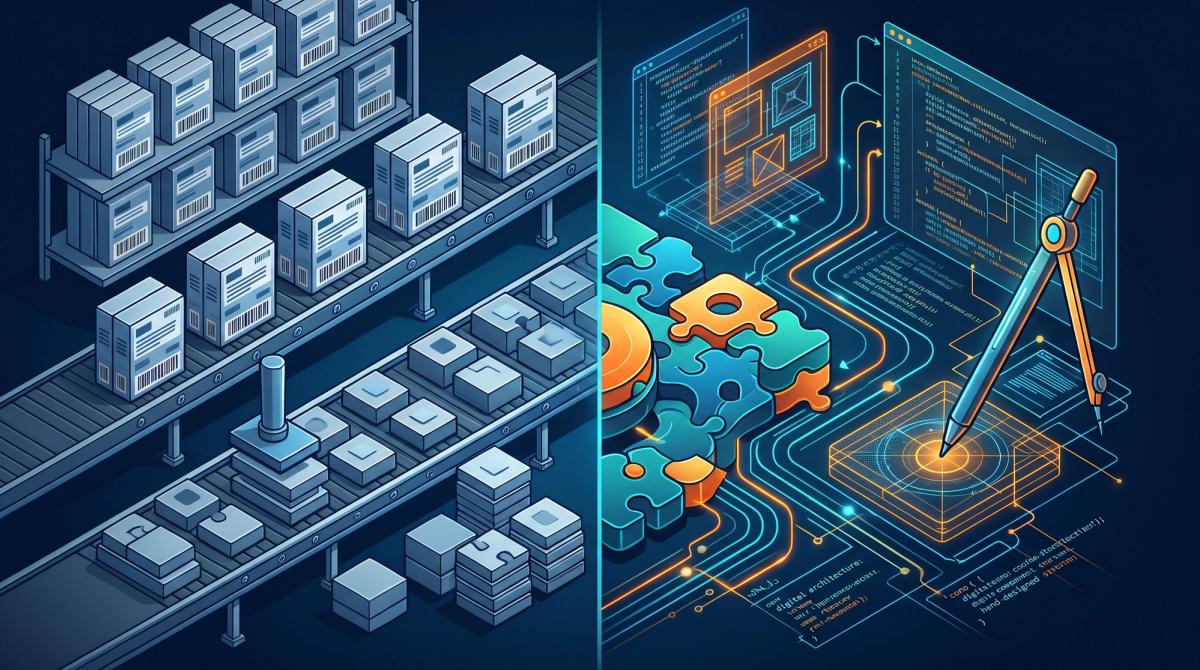
Most businesses run into the custom software vs. off-the-shelf question when spreadsheets and duct-taped tools can no longer keep up. Either path can work. What matters is picking the one that fits how your operation actually runs, so you aren’t guessing and hoping it holds.
What’s the Difference Between Custom and Off-the-Shelf Software?
Off-the-shelf software is built for a broad market. QuickBooks, Salesforce, and most project management tools fall into this group. You can sign up in an afternoon and be working by the end of the day. These products serve thousands of businesses at once, so they handle common needs well, but they rarely match the way any one company works.
Custom software is built around your processes, your data, and your constraints. It costs more upfront and takes longer to deliver. In return, it does what you need without the workarounds.
When Off-the-Shelf Software Is the Right Call
Most businesses should start with off-the-shelf tools, and plenty should stay there. If your workflow looks like everyone else’s in your industry, a mature product with years of engineering behind it will usually beat something built from scratch. Off-the-shelf is probably the better fit if:
- Your process looks like how most businesses in your industry already work
- You’re early on and still shaping your workflow, so you’re not ready to lock it in
- The subscription costs far less than building and maintaining your own system
- You need something running this month, not three to six months from now
- Your team doesn’t have thecapacityh to manage a custom build or a development partner
When Custom Software Pays for Itself
Custom software earns its cost when your tools start working against you. You’ll usually spot it first in the workarounds: spreadsheets that duplicate what your software should handle, staff typing the same data into three systems, or a process that only holds together because one person remembers every exception.
It also makes sense when your workflow is part of what makes you competitive. If the way you operate sets you apart, forcing that process into a generic tool wears down the advantage you worked to build. Signs it may be time:
- You’re paying for several subscriptions to cover gaps in one core tool
- Your team loses hours each week to manual data entry or reconciling systems that don’t talk to each other
- Your process is unusual enough that no product fits it without heavy customization
- You’ve hit the tool’s limits on users, records, or integrations, and the next pricing tier doesn’t fix it
- The workflow itself is a competitive advantage worth protecting and improving
How to Decide
Start by tracking where your team’s time goes for two weeks. If a large share disappears into workarounds, re-keying data, or maintaining spreadsheets that exist only because nothing fits your process, custom software could pay for itself. If the friction is low and mostly a matter of preference, the build usually isn’t worth it.
A simple way to frame it: over the next two years, which costs you more, the subscription fee or the hours your team spends working around a tool that doesn’t fit?
A short discovery conversation can also clear things up quickly. At Resilio Partners, we walk business owners through this tradeoff before we recommend any build. Custom work only makes sense when it solves a real, measurable problem, not because it sounds more impressive than a subscription.
For most businesses, the right answer lands somewhere in the middle. Keep the off-the-shelf tools that work, and build custom only where the gaps are costing you money.
Frequently asked questions
Is custom software more expensive than off-the-shelf software?
Upfront, yes. Custom software needs design, development, and testing before you can use it, while off-the-shelf tools start with a monthly fee. Over time, the math can change. If you’re stacking several subscriptions to cover gaps, or paying staff for hours of manual workarounds, custom software can cost less over the long run.
How long does it take to build custom software?
It depends on scope. A focused internal tool can come together in a few weeks, while a larger system with multiple integrations often takes several months. A discovery conversation at the start helps set a realistic timeline before any work begins.
Can I use both custom and off-the-shelf software?
Yes, and most businesses do. A common approach is to keep the off-the-shelf tools that already work well, like accounting or email, and build custom pieces only where those tools fall short. Custom integrations can also connect existing systems so your team stops entering the same data twice.
What are the signs my business has outgrown its current software?
Watch for repeated manual workarounds, spreadsheets that duplicate what your software should do, data entered into more than one system, and processes that rely on a single person to remember the exceptions. Hitting user, record, or integration limits that an upgrade won’t fix is another clear sign.
Who maintains custom software after it’s built?
Custom software needs ongoing updates, security patches, and occasional fixes, just like any other system. Before starting a build, ask your development partner how maintenance works, what it costs, and who owns the code when the project is done.
How do I know if custom software is worth it for my business?
Track where your team’s time goes for two weeks. Add up the hours lost to workarounds and the cost of any extra subscriptions you’re using to patch gaps. If that number is larger than the cost of building and maintaining a custom solution over the next two years, custom software is worth a serious look
AI Transparency: This article was drafted with the assistance of AI and reviewed, edited, and shaped by the author’s own opinions and experience.